


DataForge UI: Notifications

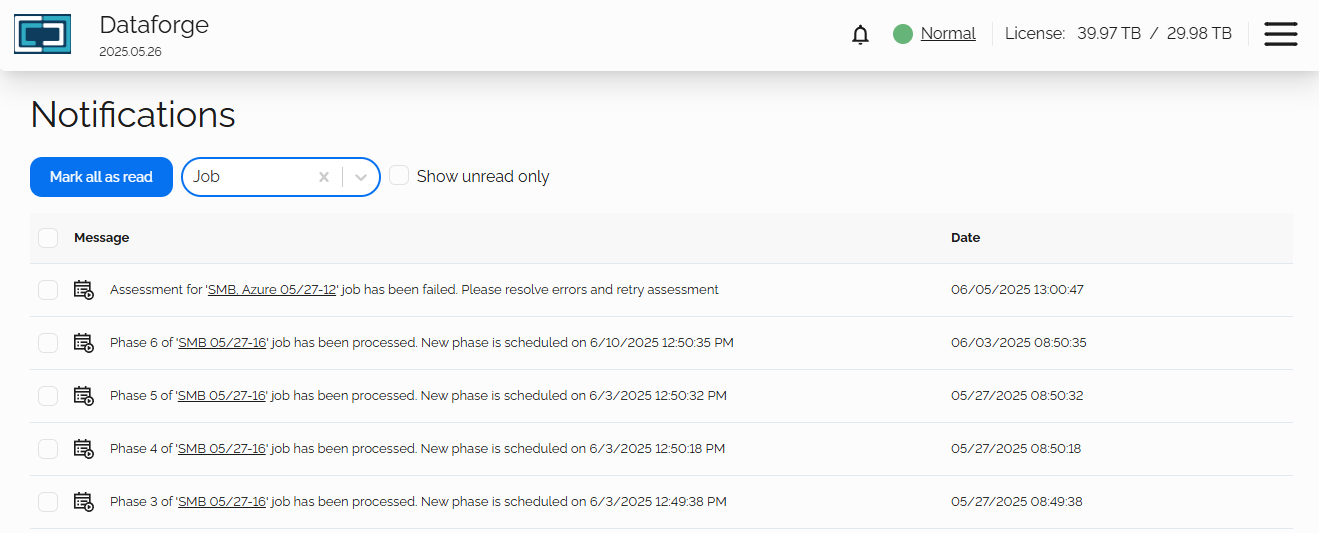
The Notifications page displays all logged system and job messages.
Note: The number of new notifications can be seen on the top banner from the bell icon:

The default screen will show all notification types based on timestamp, most recent at the top.
Mark all as read
This will update all unread notifications as read and will clear the bell icon.
Notification Type Dropdown
This dropdown will filter which types of notifications to display on the page
- Job
- Scheduler
- License
- System
If the notification is of type: Job, the job name will be a direct link to that job's page.
Show unread only
This will filter all jobs, displaying only the items that are marked as unread.

