



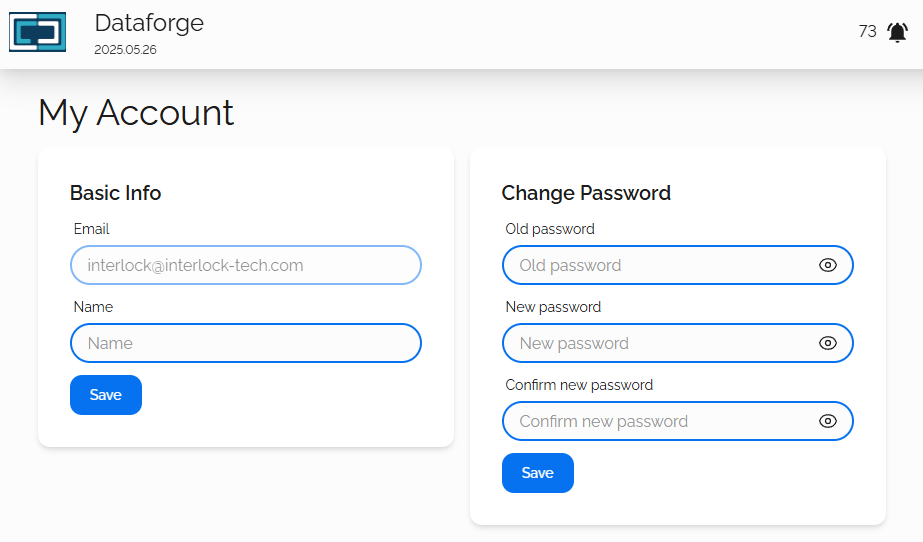
This page will allow the currently logged in DataForge user to update their own credentials.
Default Credentials
When DataForge is initially provisioned, there will be only one user account in the system. Depending on your migration or environment security needs, this may be all you need.
The default login is:
- Username: [email protected]
- Password: dataforge
Basic Info
This is will be the username that is used to log into the DataForge Web UI. This must be a properly formatted email address: [email protected]
Name
This is used only as a display name to identify the associated user.
Click the Save button to save your changes.
Change Password
Old password
The current password of the logged in user.
New password
Your new password. There are no complexity requirements for this password, however it is advised to choose a complex password for your security.
Confirm new password
This must match identically to what you have used in New Password
Click the Save button to save your changes.

