



A DataForge license is issued based on the contractual request of Assessment and Migration size. When you first provision the DataForge server, you will have an automatic 20 Terabyte assessment license. This will allow you or your organization the ability to trial our migration software as well as discovering the data capacity for your source storage.
On the top of every page on the right side you will see 2 numbers to the right of License.
- The left number is your Assessment license capacity
- The right number is your Migration license capacity
If you hover over the license details, it will remind you of which numbers are for each:

To view and interact with the DataForge licensing, click on the settings (3 lines) button in the top right of the web interface and select License Management:
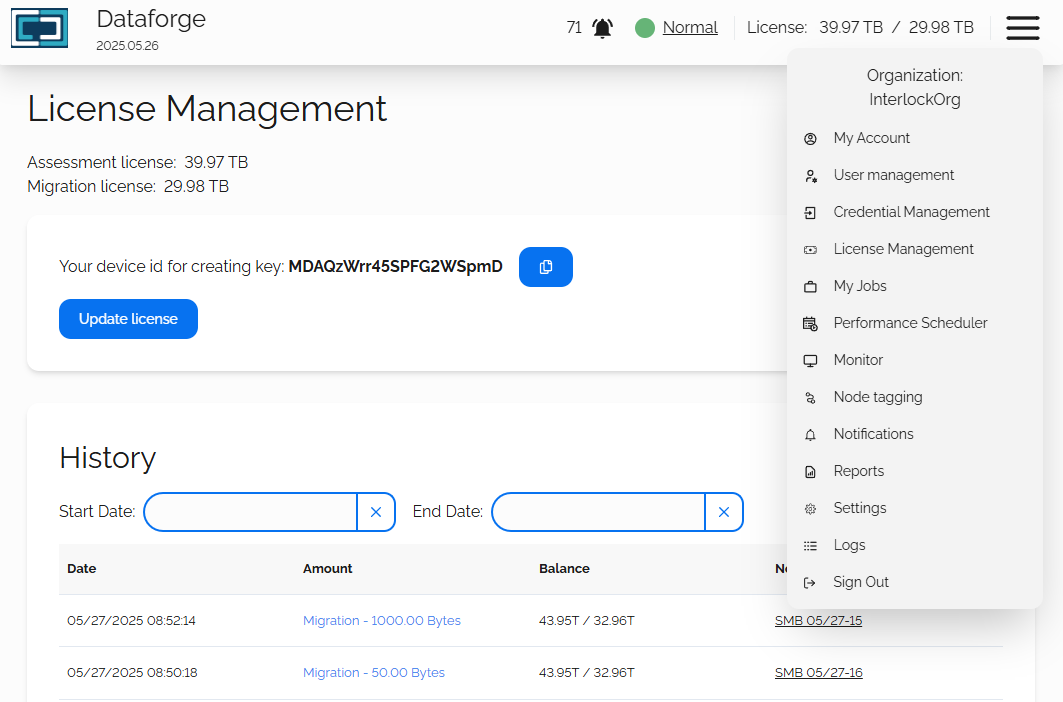
When requesting a license for DataForge, you will be required to submit your Device ID. This code is unique and will be generated when DataForge is first run.
Update Your License
To update your license, please perform the following steps:
- Open the license management page as show above
- Click the Copy icon next to your Device ID
- Submit a license request ticket
- Paste your copied Device ID into the Device ID text box in your ticket request
- Interlock will generate a license key and attach it to your ticket response
- Return to the license management page and click the Update License button
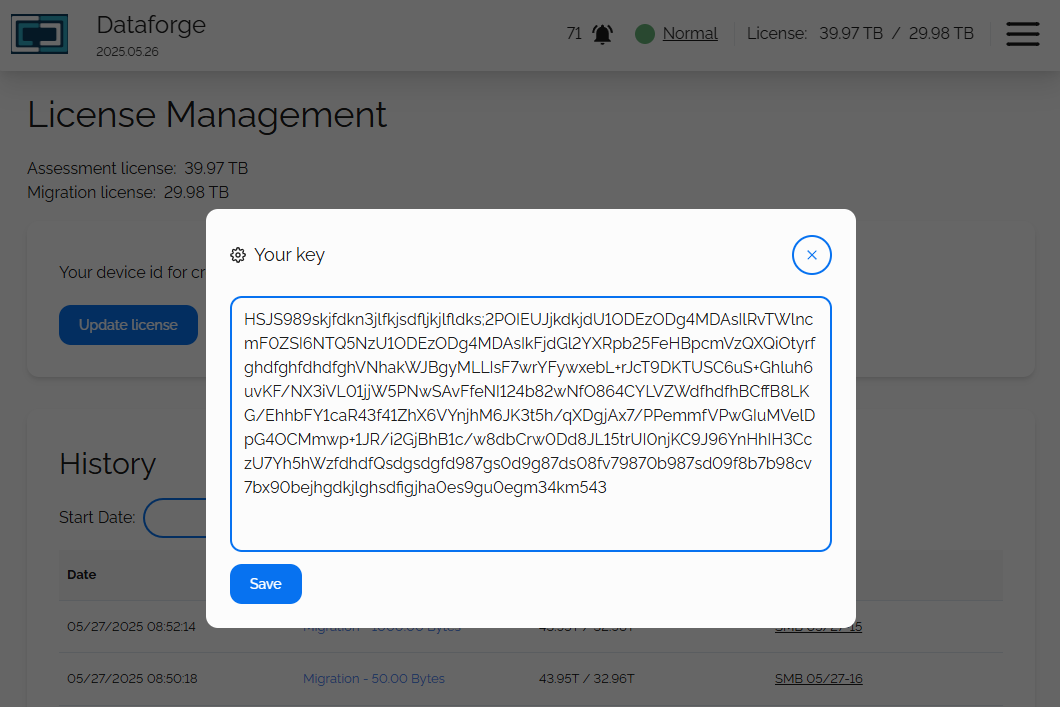
A pop-up window will appear, paste your license key in the 'Key' field and click the Save button:
License History
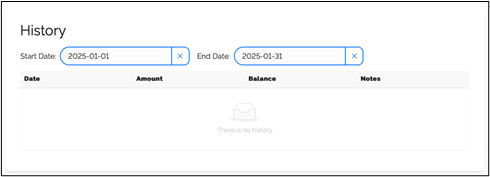
This section displays your license purchase history. To run a license history report:
- Enter the Start Date and End Date that you want to review
- A report detailing: Date. Amount, Balance and Notes is generated and displayed
Usage Statistics
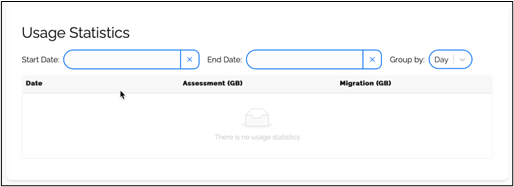
This section displays your usage statistics. To generate a license statistics report:
- Enter the Start Date and End Date that you want to review
- Select the Group By drop-down list and select Day, Week, Month or Year
- A report with the Date, Assessment (GB), and Migration (GB) is generated and displayed.

